- Are my tender searches catching all relevant tenders?
- What I am missing?
- How do I make sure I get notified about all relevant tenders without getting too many false positives?
These are some of the questions we often hear when interviewing Tenderlake customers.
It is not surprising that there is a concern about missing out. Tender notices sometimes describe the work or product to be delivered; sometimes they describe the outcome the purchaser desires and sometimes descriptions use language we would not have used to describe the same requirement. Finally, the world is evolving and buyers ask for new products and services that you may be able to deliver, but not searching for yet.
It is impossible to make sure you receive all relevant tenders using traditional search alerts. Not only would one have to create a very long and complicated list of search terms, but these searches would, as a by-product, deliver an overwhelming number of irrelevant results.
A new feature in Tenderlake now helps solve these problems.
You can now train your Tenderlake to understand what kind of tenders and other notices you are interested in, so they can be emailed to you, even if they are not picked up by your search terms.
Using the latest advances in machine learning, we can now predict, based on your ongoing feedback and other signals, which tenders are likely to be relevant for you, but was not matched by your traditional searches.
Notices identified this way are now collected in a new folder called “Discovered”. (see screenshot below)
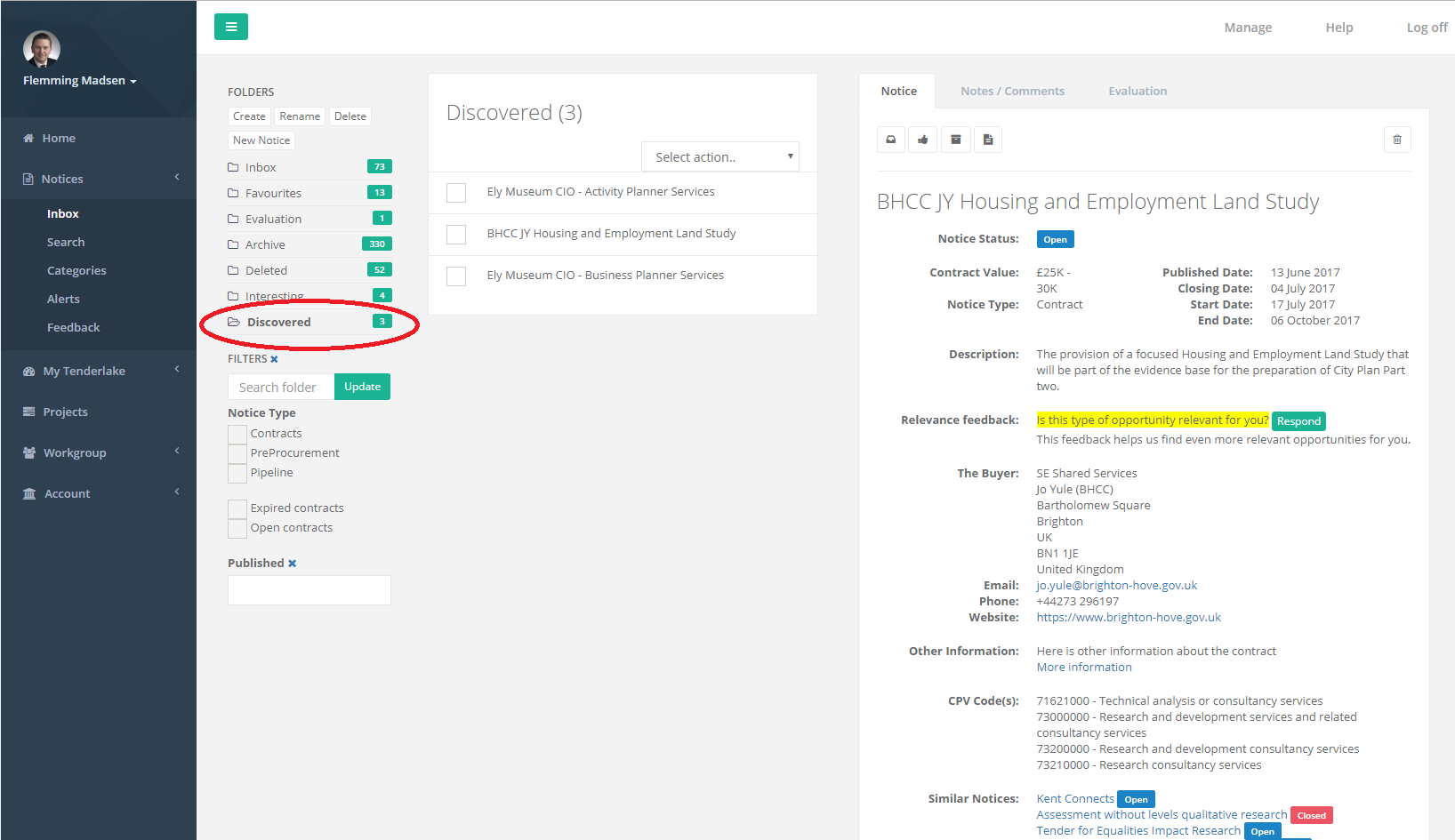
To train your Tenderlake to find the opportunities that are right for you, simply provide feedback on if a tender is relevant for you or not, and place the very best opportunities you have found in your Favourites folder.
The more you feedback you provide, the better we will be able to identify relevant opportunities for you.
To quickly train Tenderlake, you can provide feedback on any notice you find in Tenderlake, even if it is expired or wasn’t sent you. Just go to Notices -> Search and find tenders of the type that are most relevant for you, and record your feedback.
Alternatively, simply find the tenders you have previously bid for or maybe even won, and place them in your Favourites folder. This will tell Tenderlake exactly what type of opportunities you are looking for.
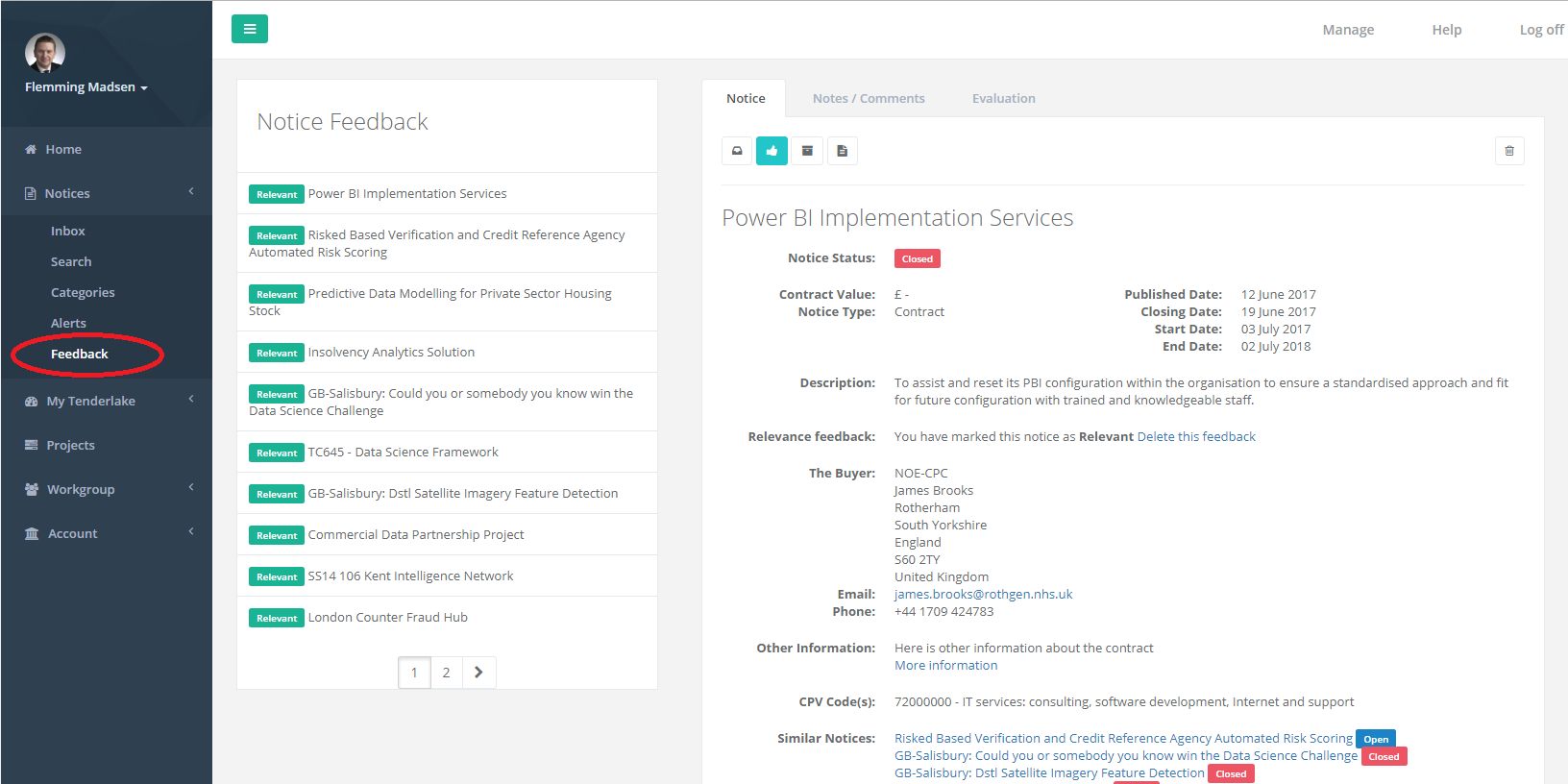
Under Notices -> Feedback (see below) you can see the tender notices you have already provided feedback on and, if you change your mind, delete or reverse the feedback.