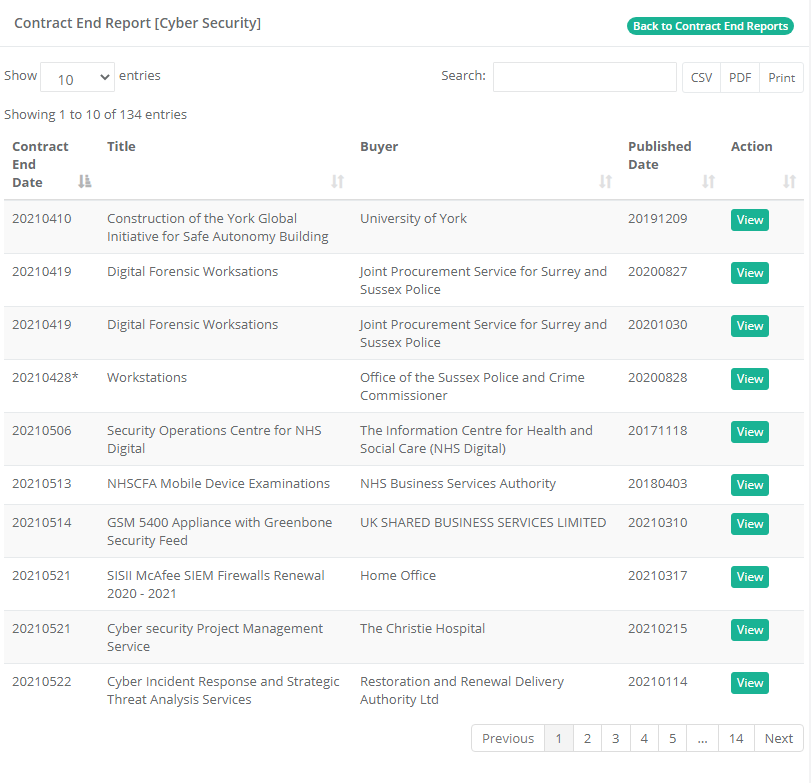
Contract End Report
Look ahead: See which public contracts are coming to an end in the next twenty-four months.
Look ahead: See which public contracts are coming to an end in the next twenty-four months.
There is now a report that shows which contracts are coming to an end in the next twenty-four months.
To create a Contract End Report, simply navigate to Reports -> Contract End.
Click Create New Report
Give the report a name and select which of your existing alerts you want to base the report on. You can select more than one alert.
Reports are generated overnight and kept up to date.